
AppLock - Fingerprint Lock1.1 - Google Play
You'll be able to see results in few seconds.
Publisher Description
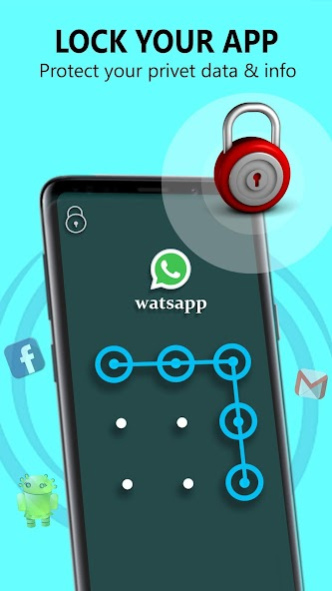
🛡️ Our AppLock will provide you professional security over your data and your device’s application. Applock is mainly used to lock apps in your device. Which the best app locker for tool for your applications.
🛡️ Applock provides you Photo Vault and Video Vault to keep your all the personal data safe. apploc is also called as 应用锁 , 앱 잠금, Bloqueio do aplicativo and Блокировка приложения. everytime you go out use Blocco app to secure your data. It is easy to give photo lock in the application.
AppLock - Fingerprint Lock & Hide Photos and Video
with give you best security and data privacy for all your other application.
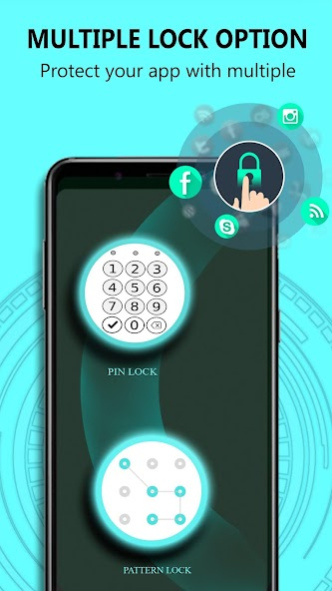
🛡️ We provide three types of locks 1. Password Lock 2. Pattern Lock 3. Fingerprint Lock
🛡️ Features Of AppLock - Lock Up Gallery & App Security:
🔰 Apps Lock
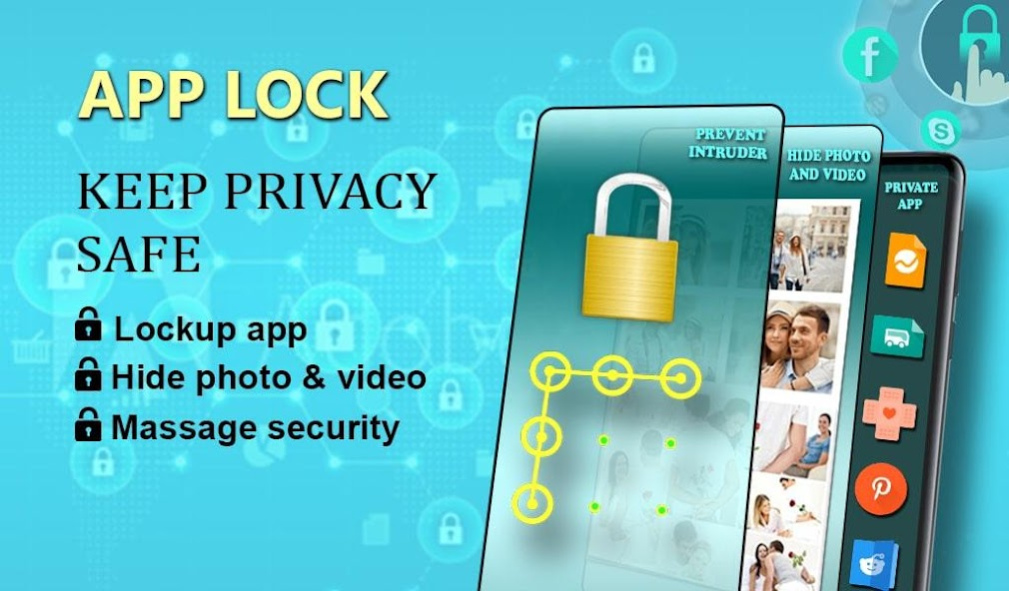
🔰 Hide Pictures : Hide and Retrieve Pictures Using Applock
🔰 Hide Videos : Hide and Retrieve Videos Using Applock.
🔰 Ram Counting And Phones Memory count will help you clean your phone.
🔰 Intruder Manager: Here you can access all the people’s images who tries to crack your password and failed to do so. For capturing those Pictures you need to turn on “intruder selfie” feature.
🔰 Battery Status: Wii provide you available battery on phone.
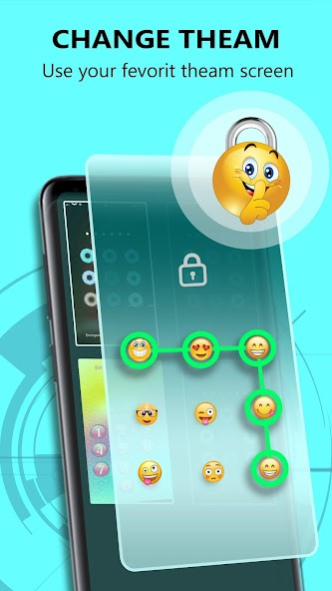
🔰 Lock themes: We have provided different Lock Themes and background for your lock which will protect your applications.
🌟 Please Give us lots of suggestions through reviews and give good ratings!! Keep Safe! 🌟
👮 If you ever stuck anywhere please contact us on our developer email id and please keep your password remembered because forgot password feature is upcoming not launched yet.
About AppLock - Fingerprint Lock
The company that develops AppLock - Fingerprint Lock is Dhvanil Infotech. The latest version released by its developer is 1.1.
To install AppLock - Fingerprint Lock on your Android device, just click the green Continue To App button above to start the installation process. The app is listed on our website since 2020-04-05 and was downloaded 0 times. We have already checked if the download link is safe, however for your own protection we recommend that you scan the downloaded app with your antivirus. Your antivirus may detect the AppLock - Fingerprint Lock as malware as malware if the download link to batterystatus.fingerprintlock.photohide.applock is broken.
How to install AppLock - Fingerprint Lock on your Android device:
- Click on the Continue To App button on our website. This will redirect you to Google Play.
- Once the AppLock - Fingerprint Lock is shown in the Google Play listing of your Android device, you can start its download and installation. Tap on the Install button located below the search bar and to the right of the app icon.
- A pop-up window with the permissions required by AppLock - Fingerprint Lock will be shown. Click on Accept to continue the process.
- AppLock - Fingerprint Lock will be downloaded onto your device, displaying a progress. Once the download completes, the installation will start and you'll get a notification after the installation is finished.
Program Details
System requirements
Download information
Pricing
Version History
version 1.1
posted on 2020-04-05
Whats New: 👮
👮 App Lock
👮 Photo Hide
👮 Video Hide
👮 Intruder Selfie
👮 Lock Backgrounds
👮 Pro Link is Given
Disclaimer
Official Google Play Link
We do not host AppLock - Fingerprint Lock on our servers. We did not scan it for viruses, adware, spyware or other type of malware. This app is hosted by Google and passed their terms and conditions to be listed there. We recommend caution when installing it.
The Google Play link for AppLock - Fingerprint Lock is provided to you by apps112.com without any warranties, representations or guarantees of any kind, so access it at your own risk.
If you have questions regarding this particular app contact the publisher directly. For questions about the functionalities of apps112.com contact us.
